Many people see image files with names like .png and .jpg every day. You may download pictures, send images by email, or post photos online. But when it is time to save an image, many people stop and ask the same question:
Should I choose PNG or JPG?
This confusion happens because both file types are very common. They both store images, and they often look similar on the screen. Because of this, beginners and students are not always sure which one is better.
The good news is that the difference is actually very simple once you understand a few basic ideas.
In this guide, we will explain everything in clear and simple English so that anyone can understand PNG vs JPG on the first read.
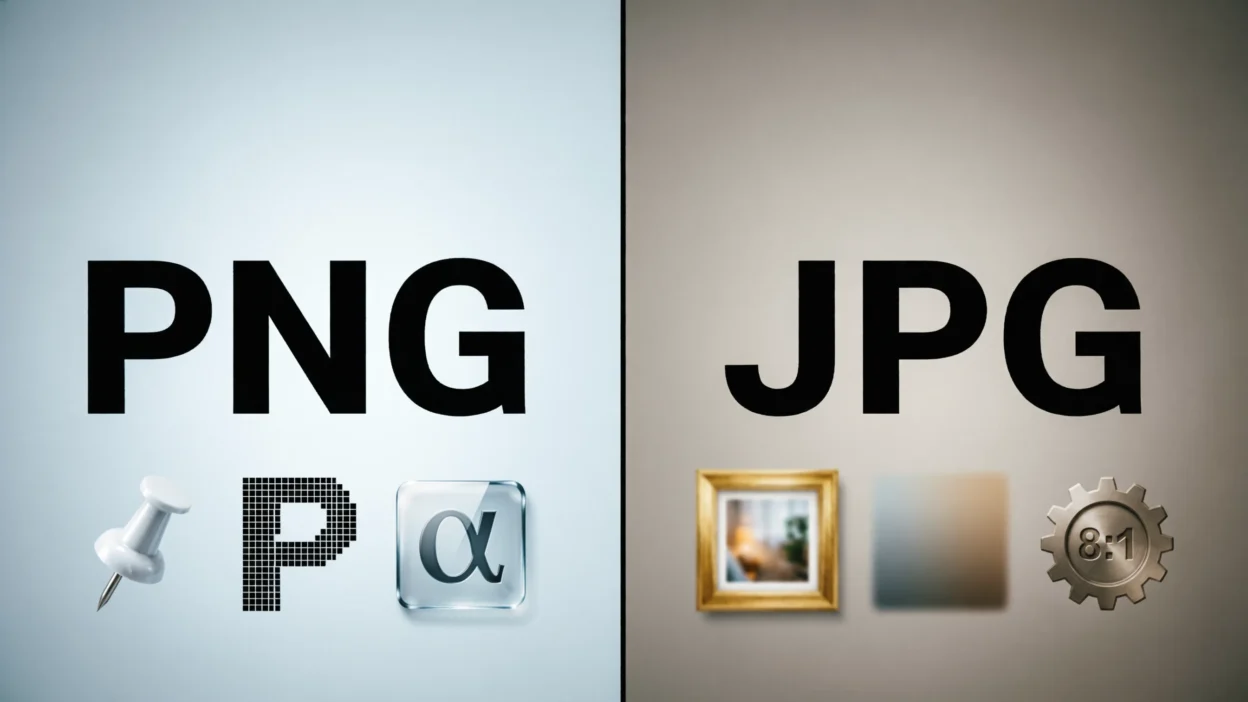
Quick Answer: PNG vs JPG
Here is the short and simple answer.
PNG
- Better for graphics, logos, and drawings
- Keeps high image quality
- Supports transparent backgrounds
- File size is usually larger
JPG
- Better for photos and real-life pictures
- File size is smaller
- Good for sharing and uploading quickly
- Does not support transparency
Simple rule:
- Use PNG for graphics
- Use JPG for photos
A Simple Background: Where These Formats Came From
Before digital cameras and smartphones, images were stored in many different ways. As computers became more common, people needed standard formats to store and share pictures.
Two popular formats appeared:
JPG
JPG was created by a group called Joint Photographic Experts Group. The name is long, so people simply call the format JPG or JPEG.
It was designed mainly for photographs, where small file size is important.
PNG
PNG stands for Portable Network Graphics.
It was created later as a better format for graphics and web images. PNG was designed to keep high quality without losing details.
Both formats are now used all over the world.
The Main Difference Between PNG and JPG
The biggest difference is how the image data is saved.
JPG Uses Compression That Removes Some Data
JPG reduces file size by removing small details that the human eye usually cannot see.
This means:
- File size becomes smaller
- Image quality becomes slightly lower
This is why JPG is very good for photographs.
PNG Keeps All Image Data
PNG saves the image without removing details.
This means:
- Image quality stays very high
- File size becomes larger
This makes PNG better for graphics, text images, and logos.
PNG vs JPG Comparison Table
| Feature | PNG | JPG |
| Best for | Graphics, logos, drawings | Photographs |
| Image quality | Very high | Slightly lower |
| File size | Larger | Smaller |
| Transparency | Yes | No |
| Color details | Very sharp | Slightly compressed |
| Editing | Quality stays the same | Quality may reduce after saving again |
| Common use | Web graphics, icons | Camera photos |
This table shows why both formats are useful in different situations.
When Should You Use PNG?
PNG is the better choice when image quality and clear details are important.
Use PNG for:
Logos
Company logos need clean edges and sharp lines. PNG keeps these details.
Icons
Small icons used in apps or websites look clearer with PNG.
Images With Text
If a picture includes text, PNG keeps the letters sharp and easy to read.
Transparent Background Images
PNG allows you to remove the background.
For example:
- A logo placed on top of another image
- Stickers and digital designs
Illustrations and Drawings
Digital art and illustrations usually look better as PNG.
When Should You Use JPG?
JPG works best for photos and images with many colors.
Use JPG for:
Camera Photos
Photos taken by smartphones or cameras are usually saved as JPG.
Social Media Pictures
Smaller file size helps images upload faster.
Email Attachments
JPG files are easier to send because they take less space.
News Photos
News websites often use JPG because it loads quickly.
Large Photo Collections
If you store thousands of photos, JPG saves storage space.
Common Mistakes People Make
Many beginners make small mistakes when choosing between PNG and JPG.
Here are some common ones.
1. Using PNG for Every Image
Some people always choose PNG because they think it is higher quality.
But this can create very large files that take longer to upload or send.
2. Using JPG for Logos
JPG can make logo edges look blurry or messy.
Logos should usually be saved as PNG.
3. Saving JPG Images Again and Again
Every time a JPG image is saved again, a little quality can be lost.
After many edits, the picture may look worse.
4. Expecting JPG to Support Transparency
JPG cannot remove backgrounds. If you need transparency, PNG is required.
5. Thinking File Extension Is the Only Difference
PNG and JPG are different because of how they store image data, not just the letters in the file name.
Everyday Real Life Examples
Let’s look at how people use PNG and JPG in daily life.
Sending Photos in Email
If you send vacation photos to a friend:
JPG is better because:
- Smaller size
- Faster to send
Posting on Social Media
Most photos on social media are JPG because they upload quickly.
Creating a School Presentation
If you add icons, diagrams, or logos to slides:
PNG is better because the images stay sharp.
Reading News Online
News websites usually show photos as JPG to help pages load faster.
Designing a Logo
Designers use PNG because it keeps lines clean and allows transparent backgrounds.
Learning Tip for Students and Beginners
If you are learning about digital images, remember this simple trick:
Photo → JPG
Graphic → PNG
You can also ask yourself two questions:
- Is this a photo from a camera?
→ Choose JPG - Is this a logo, icon, or design?
→ Choose PNG
With practice, choosing the correct format becomes very easy.
Frequently Asked Questions (FAQ)
1. Is PNG better than JPG?
Not always. PNG is better for graphics and logos, but JPG is better for photographs because the file size is smaller.
2. Why are JPG files smaller?
JPG removes small image details during compression. This makes the file size smaller.
3. Does PNG lose quality?
No. PNG keeps all image details, so the quality stays the same.
4. Can JPG have a transparent background?
No. Only PNG supports transparent backgrounds.
5. Which format is better for websites?
It depends on the image:
- Photos → JPG
- Logos and icons → PNG
6. Why do phone cameras save photos as JPG?
Because JPG creates smaller files, which saves storage space on the phone.
7. Can I convert PNG to JPG?
Yes. Many image tools allow you to change formats. But converting PNG to JPG may reduce image quality.
8. Which format is better for printing?
Both can work for printing, but high-quality photos are often printed from JPG images with high resolution.
Conclusion
PNG and JPG are two of the most common image formats used today. At first, they may seem confusing, but the difference is actually simple.
PNG
- Best for graphics, logos, and designs
- Keeps full image quality
- Supports transparent backgrounds
JPG
- Best for photographs
- Creates smaller file sizes
- Easy to share and upload
A helpful rule to remember is:
Photos → JPG
Graphics → PNG
Once you understand this basic idea, choosing the right image format becomes easy for school projects, emails, social media, and everyday computer use.

Steven Mark is a writer, researcher, and contributor at Meanefy.com, a platform dedicated to exploring word meanings, language nuances, and everyday linguistic curiosities. With a passion for words and clear communication, Steven focuses on making language simple, engaging, and accessible to all readers.